Eight screens, one record.
Every screen reads the same thing: your own trades, your own words.
Open in Money Circle- Sample
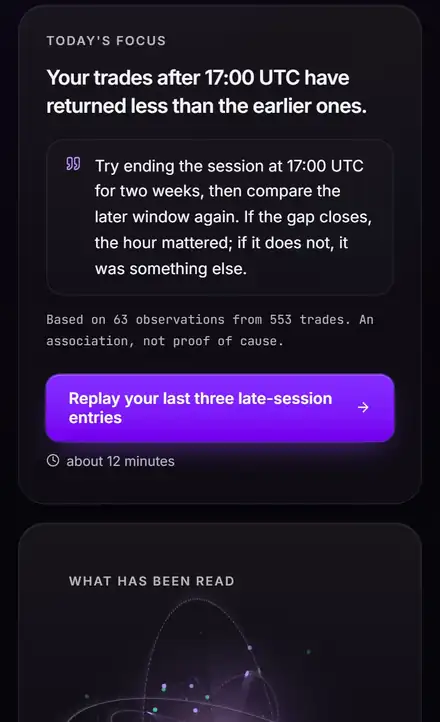 A finding and one thing to try
A pattern, the 63 observations behind it, and one change to test for two weeks.
- Sample
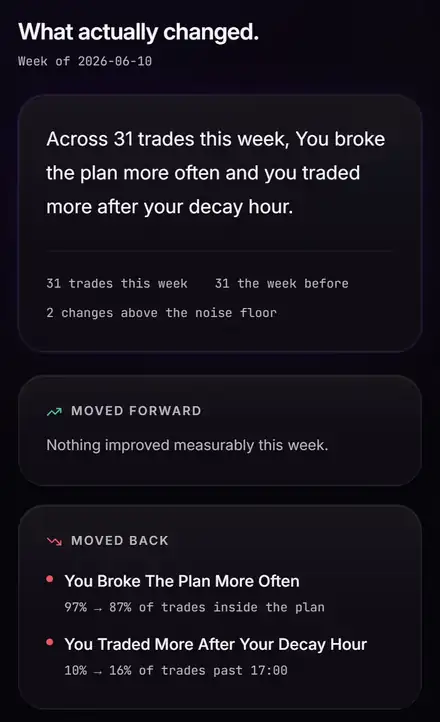 This week against last
What moved forward and what moved back, with a noise floor so small changes stay quiet.
- Sample
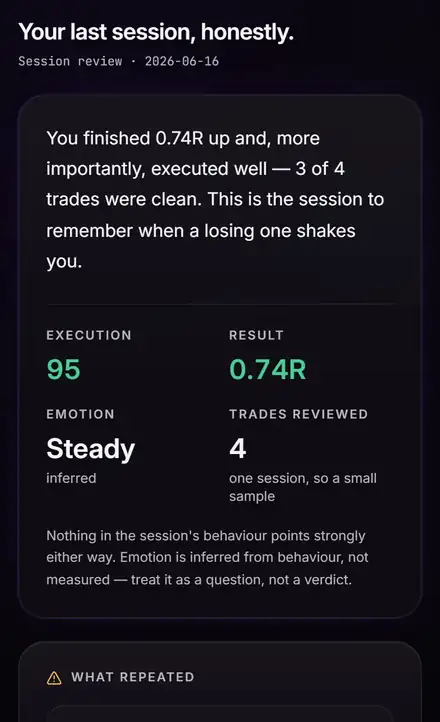 Your last session, read back
Execution and result kept apart: a good decision can lose, and the screen says so.
Sample: the application on its own demo record, not a member's account.
How evidence levels work
Evidence level counts the trades behind a finding: under 30 is tentative, 30 to 99 moderate, 100 or more firmer. It is not a probability, and it says nothing about cause. Small samples get a Wilson lower bound, so a handful of wins never reads as a hot hand — and when the data does not support a claim, Reflect makes none.
Grouped by when you open them.
Every row is a real screen or tab, named as the application names it.
Every day
Reflect Insights · one screen, 4 tabs
Review
Your profile


Before, around, after. Three tools, one chain.
Read the chart, learn and log the trade, then find the habit behind the result. One operator, three tools built to hand on to each other. Included with every paid Money Circle membership: Trader Reflect and 2 ChartViews AI analyses a day.
- Analyze a chartChartViews AI1 · Before the trade
- Open Money CircleMoney Circle2 · Around the trade
- Trader Reflect3 · After the trade · you are here
All three are run by the same operator. Educational tools, not financial advice.
What Trader Reflect is not.
Worth stating, because most things sold to traders are one of these.
- Signals, calls or entries
- Price predictions of any kind
- A connection to your broker or your funds
- Anything that places, modifies or cancels an order
- Copy trading, or anybody else's trades
- A separate subscription — it comes with Money Circle
Trading psychology, read from your own record.
The habits that cost traders money and how to find them — with the arithmetic. All articles
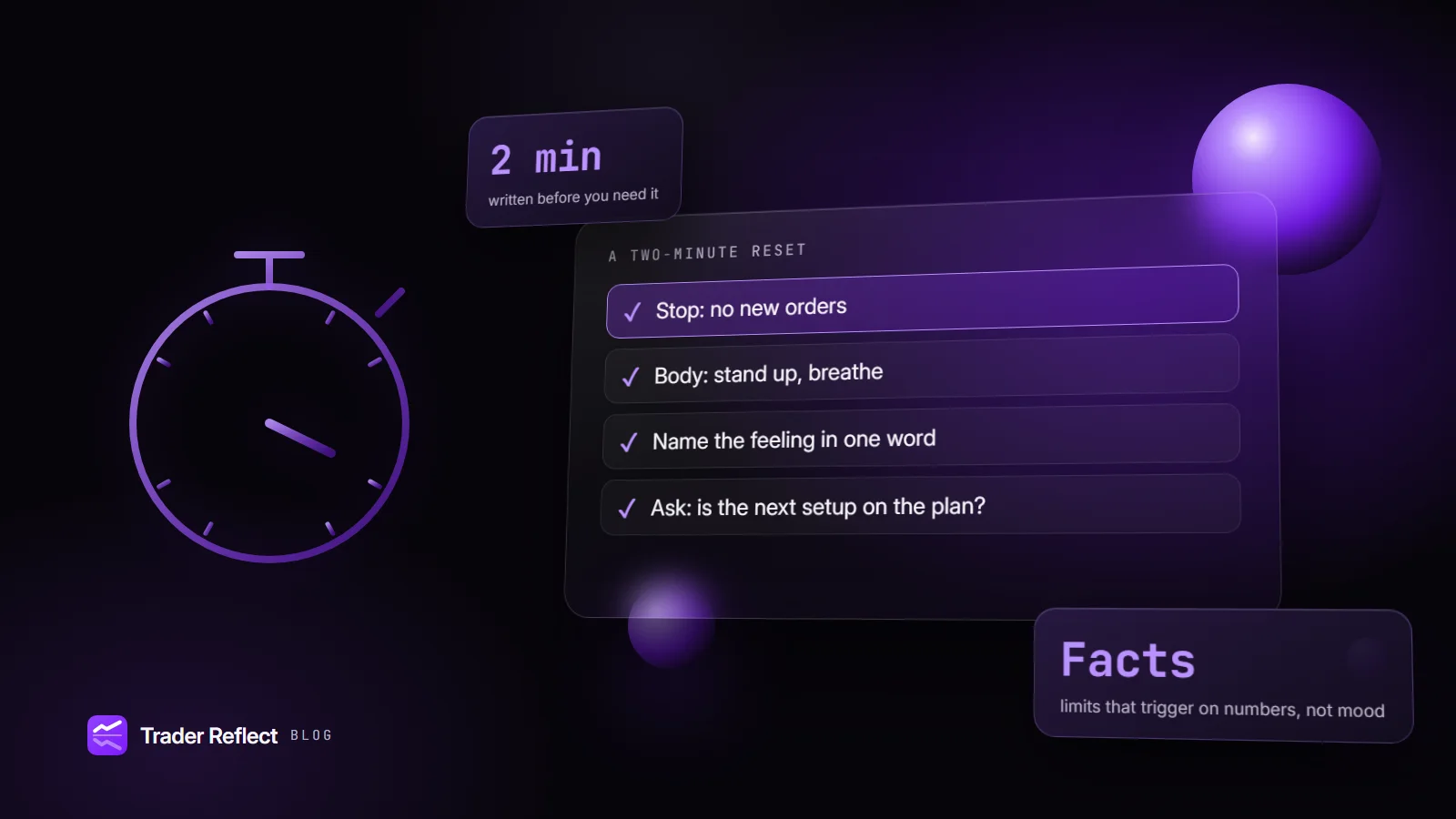
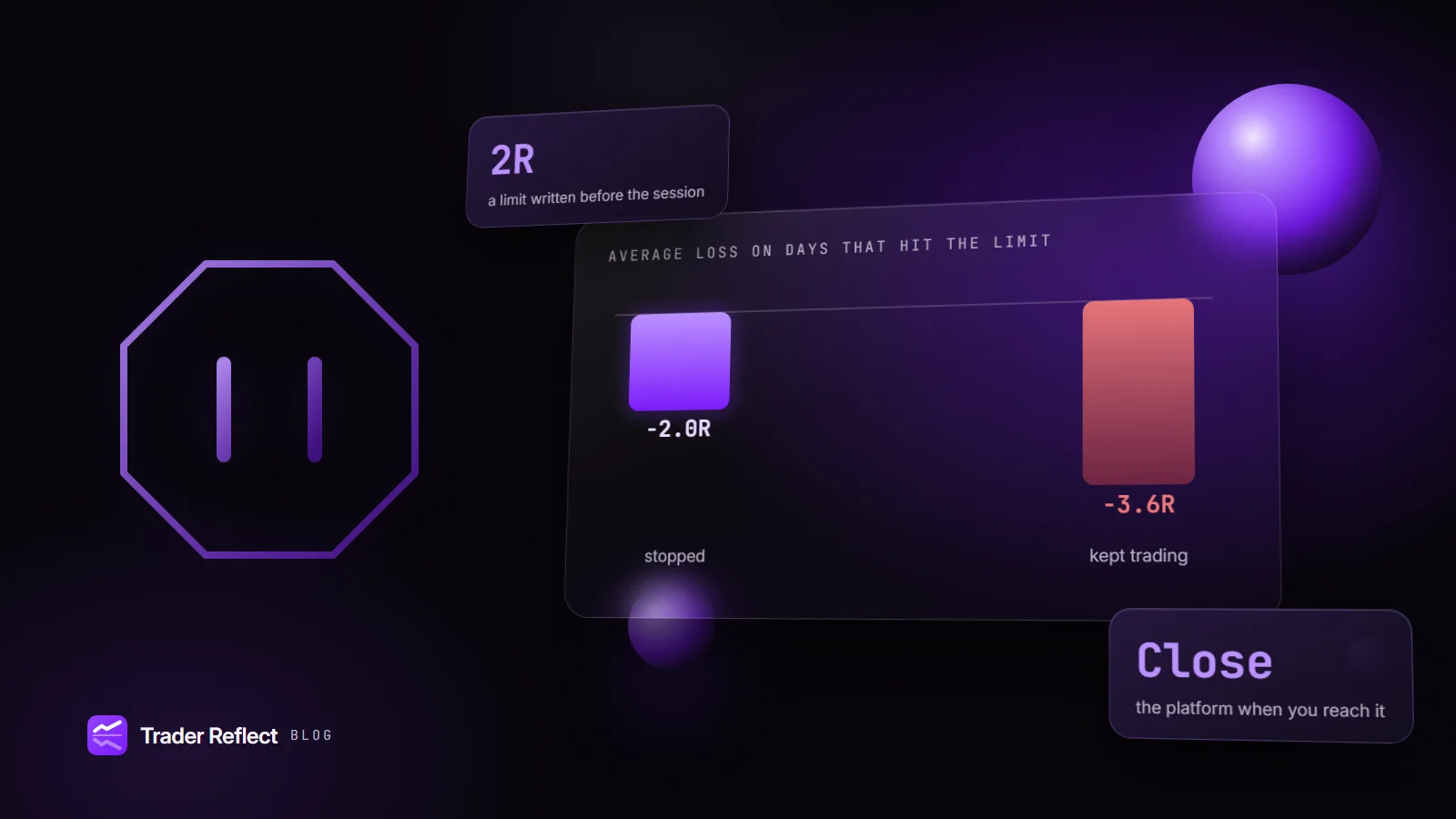
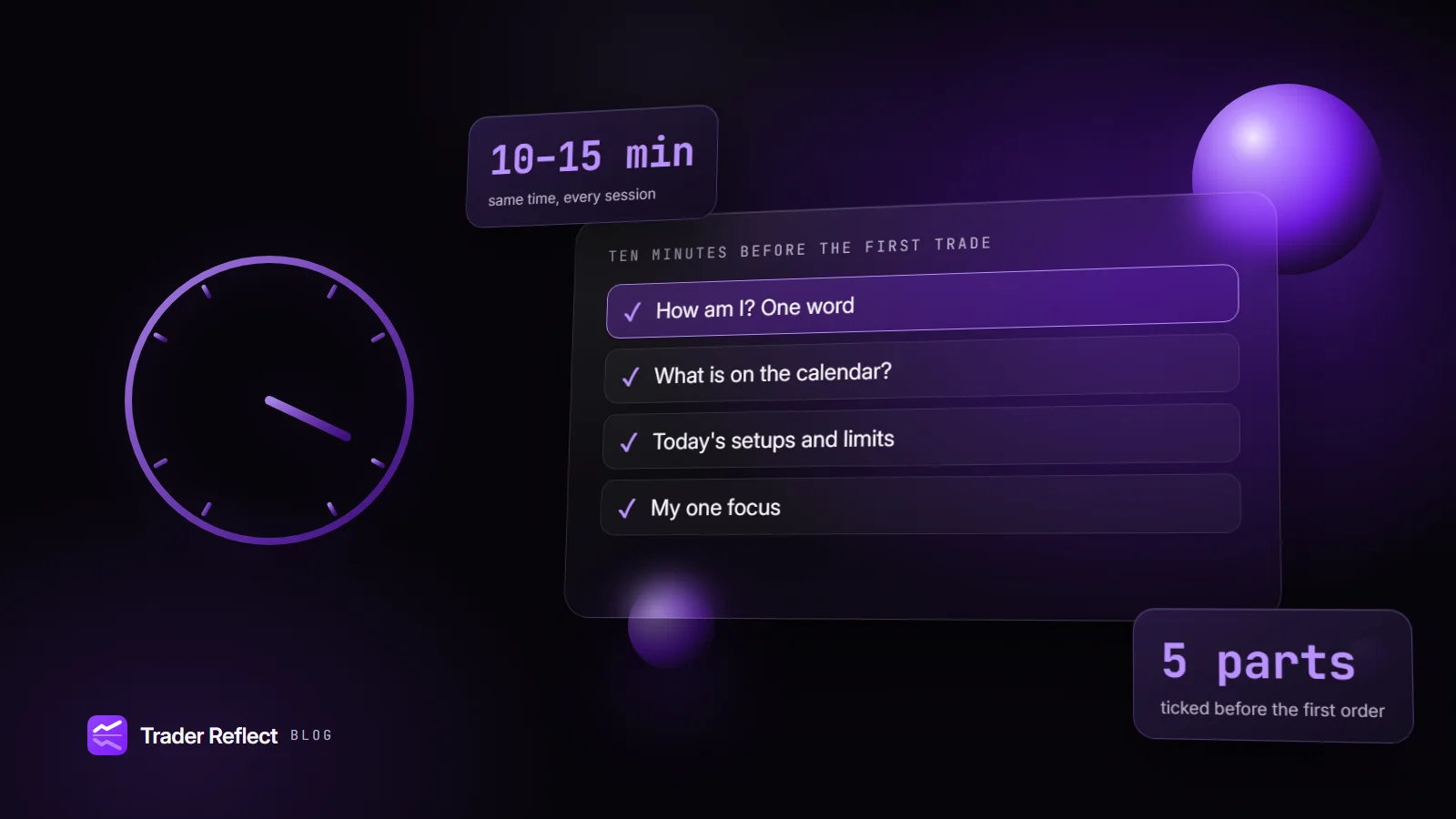
Trading psychology and journaling, defined
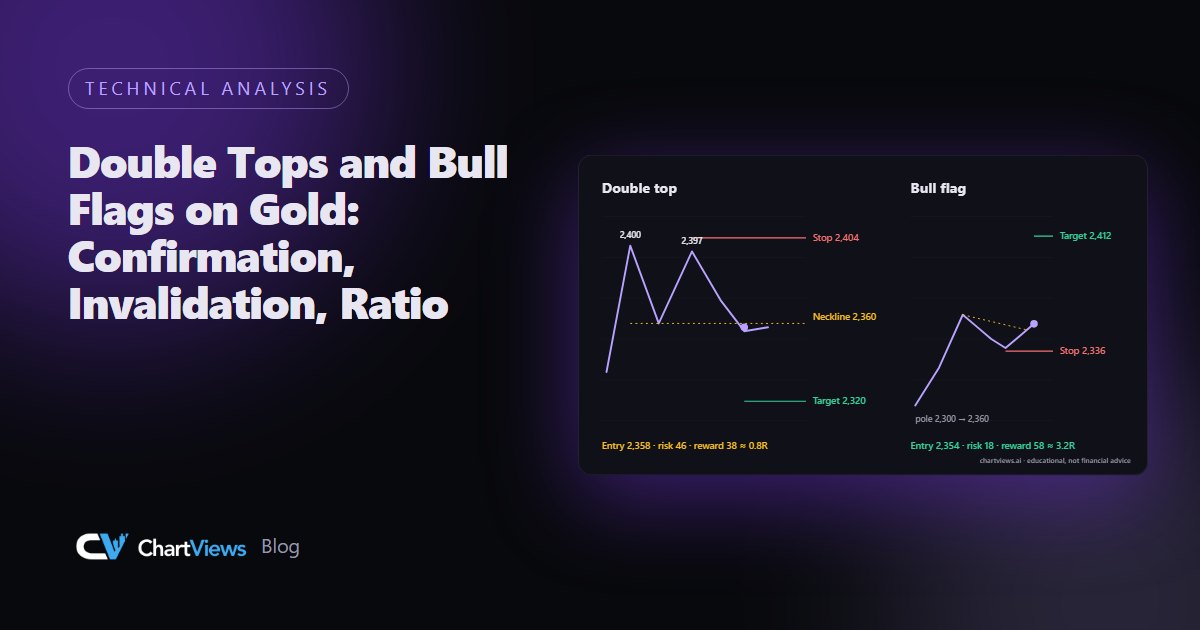 ChartViews AI Blog · Reading charts and planning a tradeDouble Tops and Bull Flags on Gold: Confirmation, Invalidation, RatioRead a double top and a bull flag on gold with hypothetical prices: what confirms them, where they fail and whether the ratio works.Money Circle Blog · Learning, journaling and the trading processStocks Climb, Gold Slides and the Euro WeakensUS indices gained 2–3.5% while gold fell 4.63% and EUR/USD dropped 1.59%. Retail sales, a Fed speech and FOMC minutes are ahead.
Frequently asked questions
Who gets Trader Reflect?
Every paid Money Circle membership — Master, Pro and Legend — includes Trader Reflect at no extra cost. It is not sold on its own, and free Starter accounts do not include it.
How do I open it?
From your Journal in Money Circle. Press Connect Reflect once; after that, Open Reflect signs you straight in. There is no separate sign-up and no password to remember.
Where does the data come from?
From your Money Circle journal. Every trade you log there arrives here on its own, edits and deletions included. You can add a broker statement inside Reflect as well.
Does it connect to my broker or place trades?
No. Reflect is read-only. It never connects to a broker, never sees your funds, and never places, changes or cancels an order.
What does it actually tell me?
Patterns in your own trades, ranked by what they cost in R, each with the data analysed, how many trades it rests on, another explanation that fits the same numbers, and one thing to try. Findings describe what happened together, not proven causes. Where your record cannot support a claim, it says so instead of guessing.
Is it investment advice?
No. Reflect describes patterns in your own past behaviour. It gives no signals, no price predictions and no recommendation to buy or sell anything. Trading carries a risk of loss.
What happens when my membership ends?
Access to Reflect ends with it, within a few minutes of the end of your Money Circle membership. Your history is kept, so everything is there if you come back, and you can download it or delete it in Settings at any time.
Where do I get help?
Around the clock in the Money Circle community, which your membership includes: ask there and the team and other members answer, 24/7.
How does it fit with ChartViews AI and Money Circle?
ChartViews AI reads a chart before the trade, Money Circle is where you learn, trade and log it, and Trader Reflect reads that log afterwards. Included with every paid Money Circle membership: Trader Reflect and 2 ChartViews AI analyses a day.
ChartViews AI and Money Circle, in your pocket.
Both apps are on Google Play, and ChartViews AI is on the App Store too; Money Circle works on iPhone through Add to Home Screen. Trader Reflect runs in your browser — open it from your Money Circle Journal on any device.
Upload a chart from your phone and get the same structured read as on the web.
The academy, the community and your journal in your pocket.
 iPhone: Add to Home Screen